See every stack and the pot
At the poker table, seated players can see each player’s remaining stack and the current pot.
Free Game Score Tracker & Scorekeeper | PointPia
A free score tracker for board games, card games, poker, and mahjong. Record rounds, calculate totals, and share results with your group.
Use a real deck of cards and let PointPia track your virtual poker chips. In this free browser app, players can join the same table on their phones, see everyone’s chip stacks and the current pot, and enter bets as they play.
Create a free poker tableAt the poker table, seated players can see each player’s remaining stack and the current pot.
Calling, raising, or folding on the shared table updates the tracked chips and pot as the hand progresses.
Open the edit link on your phone, pick your name and an open seat, and enter your starting stack.
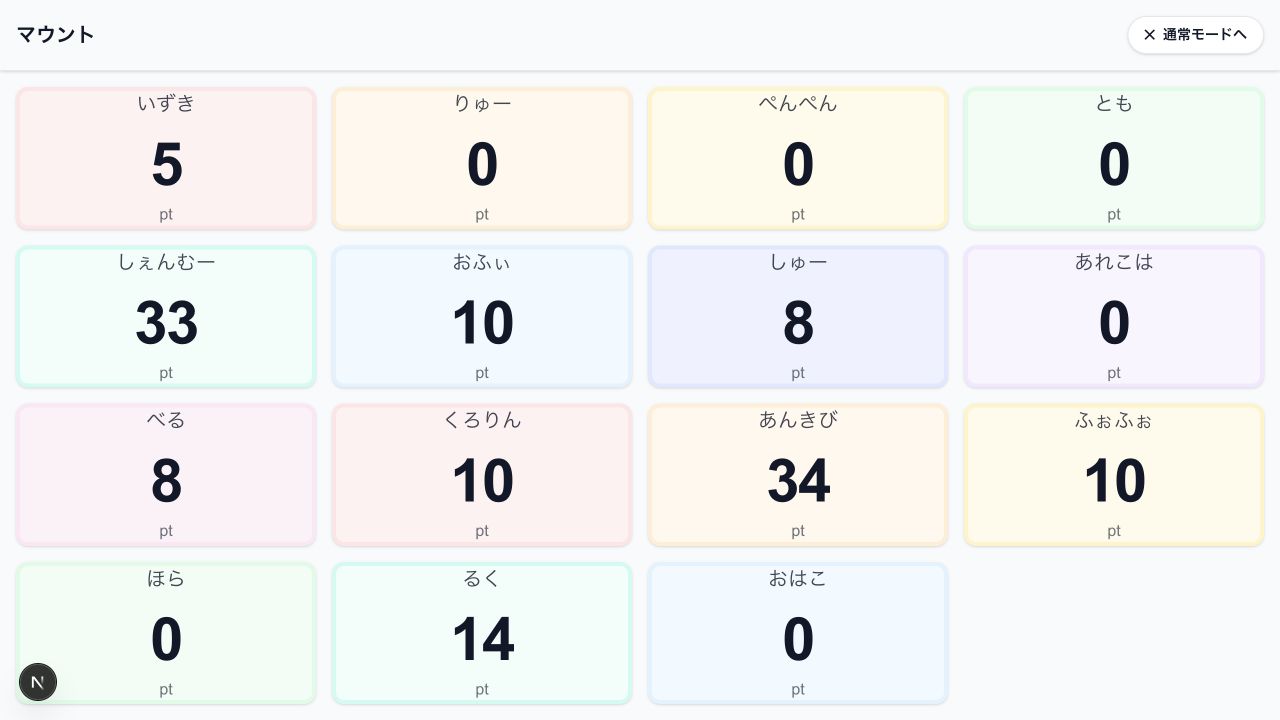
When playing with a group, use a tablet or monitor as a shared scoreboard. Display mode makes everyone's results easy to see.
Yes. Deal the real cards at your table and use PointPia as the digital chip tracker for stacks, blinds, bets, and the pot. Sign in with a verified account to create a free poker table in your phone browser. Other players sign in and request the host’s approval to join.
Yes. Each player can open the edit link, take a seat, and see the chip stacks and current pot in their browser.
Yes. Enter a starting stack when you take a seat, and set the small and big blinds before the blind settings are locked.